Software Updates
The WattWächter WiFi/USB can be updated in two ways: OTA update (Over-The-Air) via the internet or by file upload through the web interface.
Before updating
Remove the WattWächter from the meter before performing an update. Otherwise, the LED may uncontrollably scroll through the meter's menus.
OTA Update (recommended)
This method requires an internet connection. The WattWächter downloads the latest firmware automatically from the server.
-
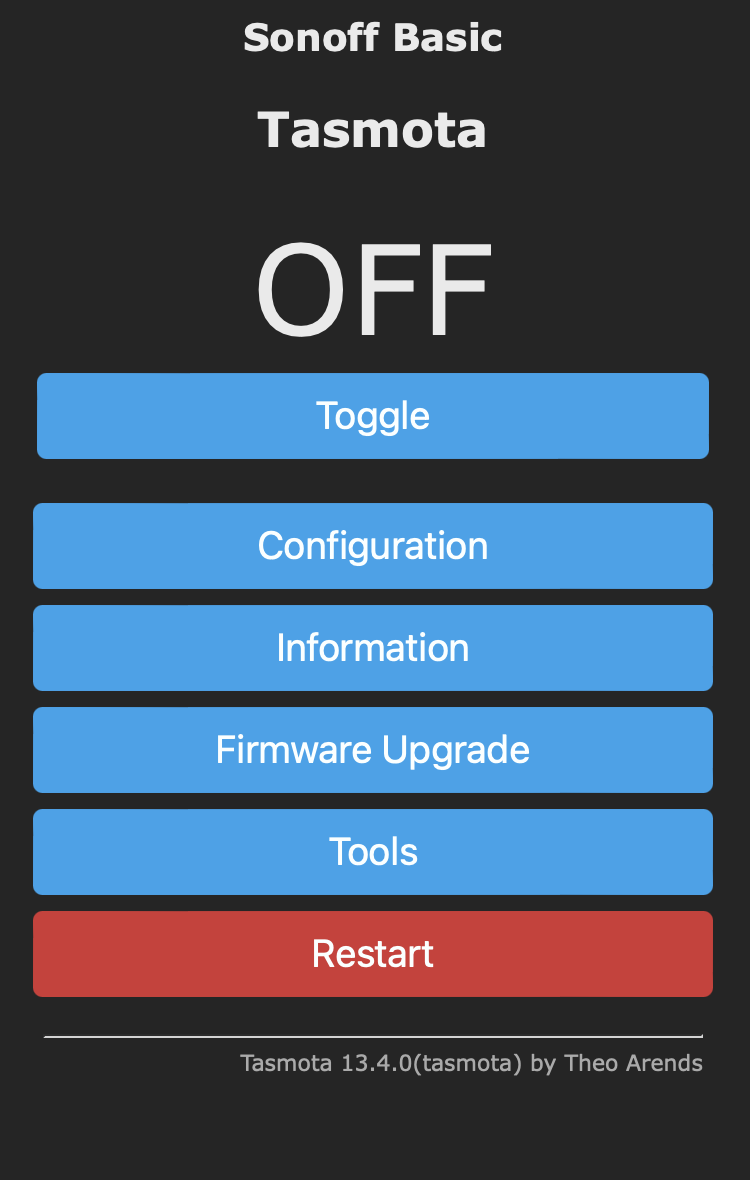
Open the WattWächter's web interface
-
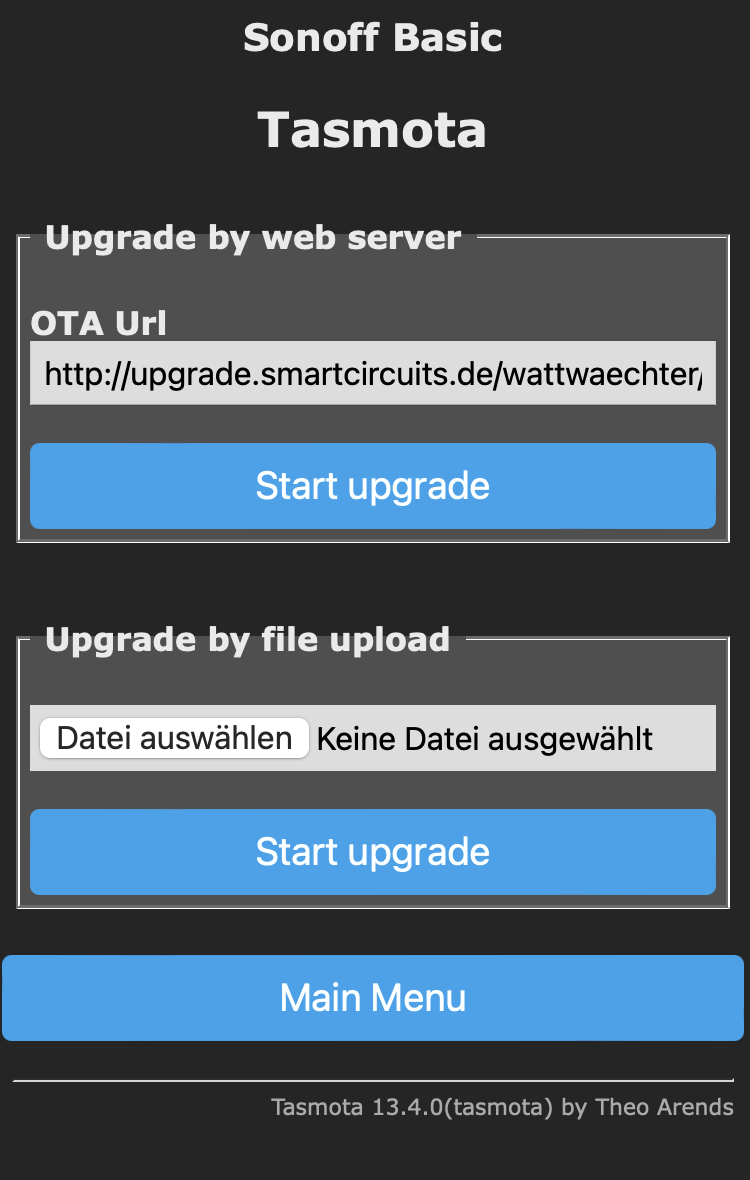
Click Firmware Upgrade
-
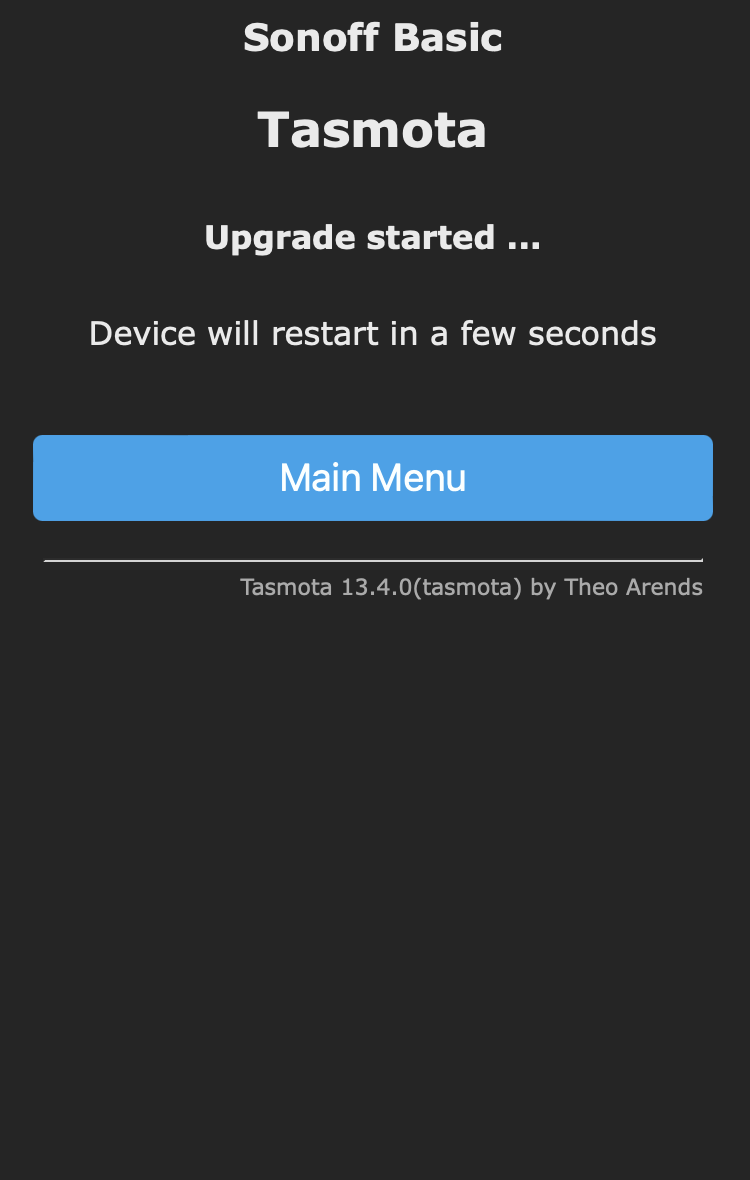
Under Upgrade by web server, click Start upgrade
-
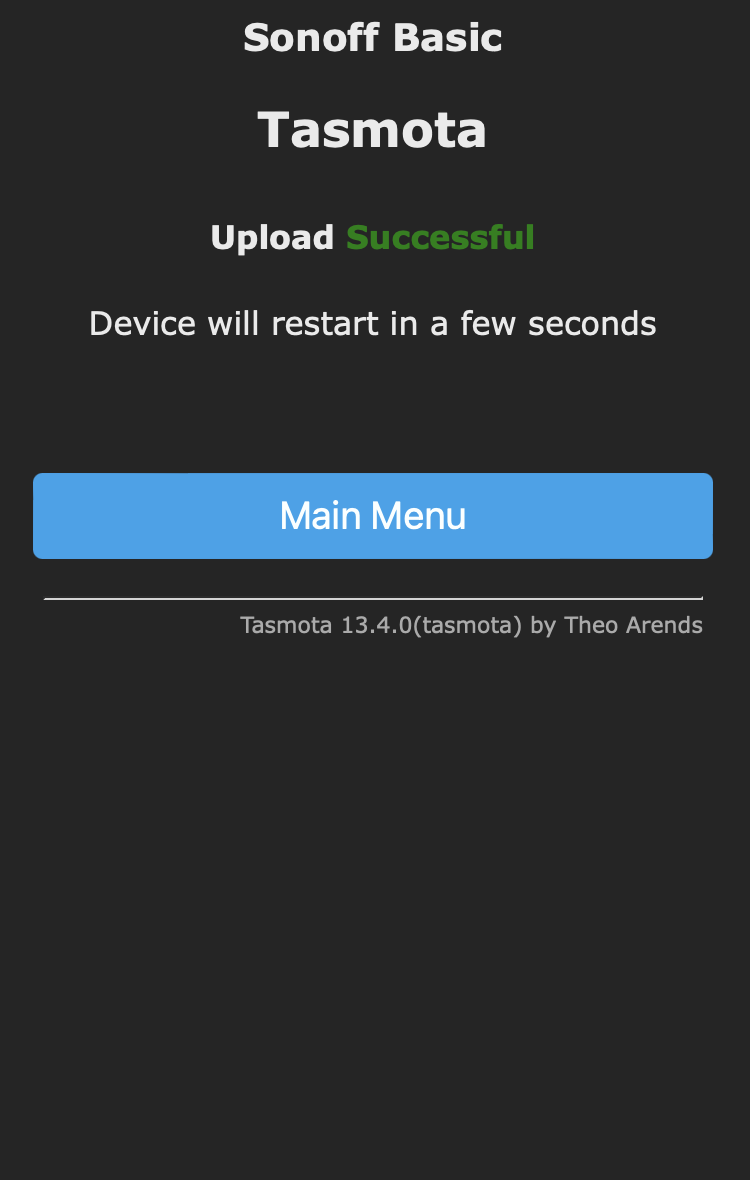
The WattWächter first installs a minimal firmware and restarts
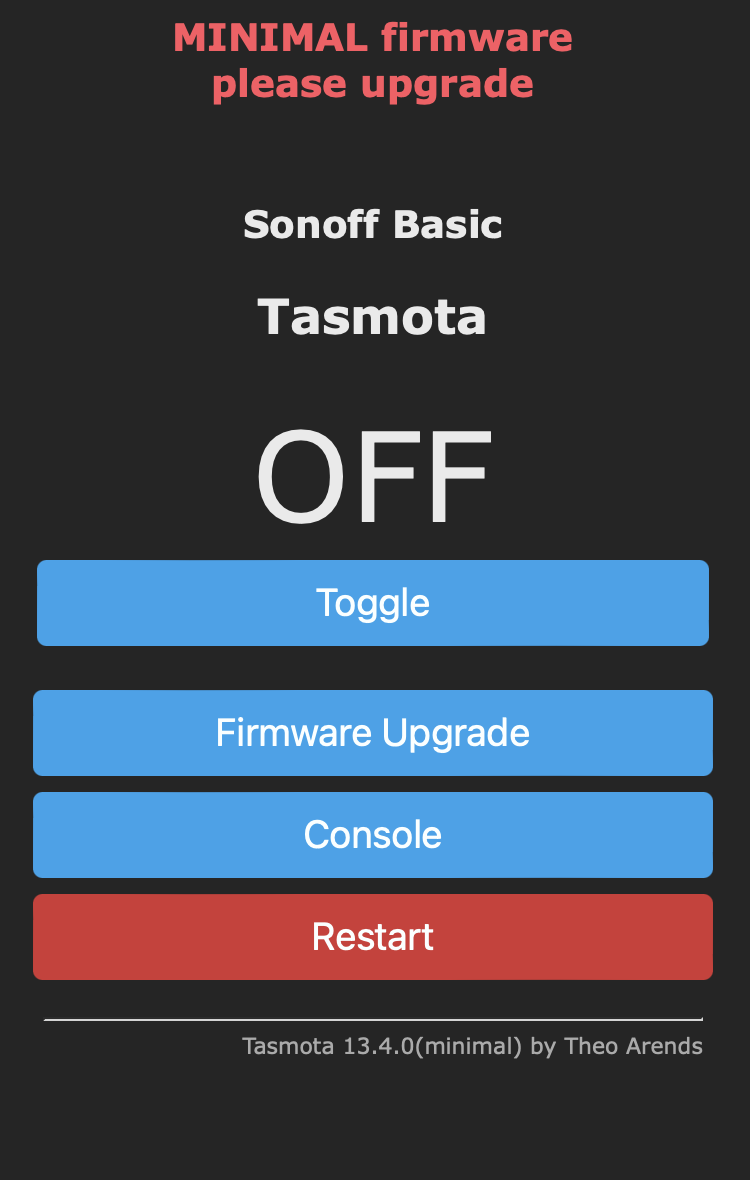
-
Then the full firmware is installed and the WattWächter restarts again
OTA URL
The pre-configured update URL is: http://upgrade.smartcircuits.de/wattwaechter/latest/tasmota.bin.gz
File Upload
If the WattWächter has no internet connection, the firmware can also be uploaded manually. Two files are needed:
tasmota-minimal.bin.gz(minimal firmware)tasmota.bin.gz(full firmware)
Step 1: Upload Minimal Firmware
- Open Firmware Upgrade in the web interface
- Under Upgrade by file upload, select the file
tasmota-minimal.bin.gz -
Click Start upgrade
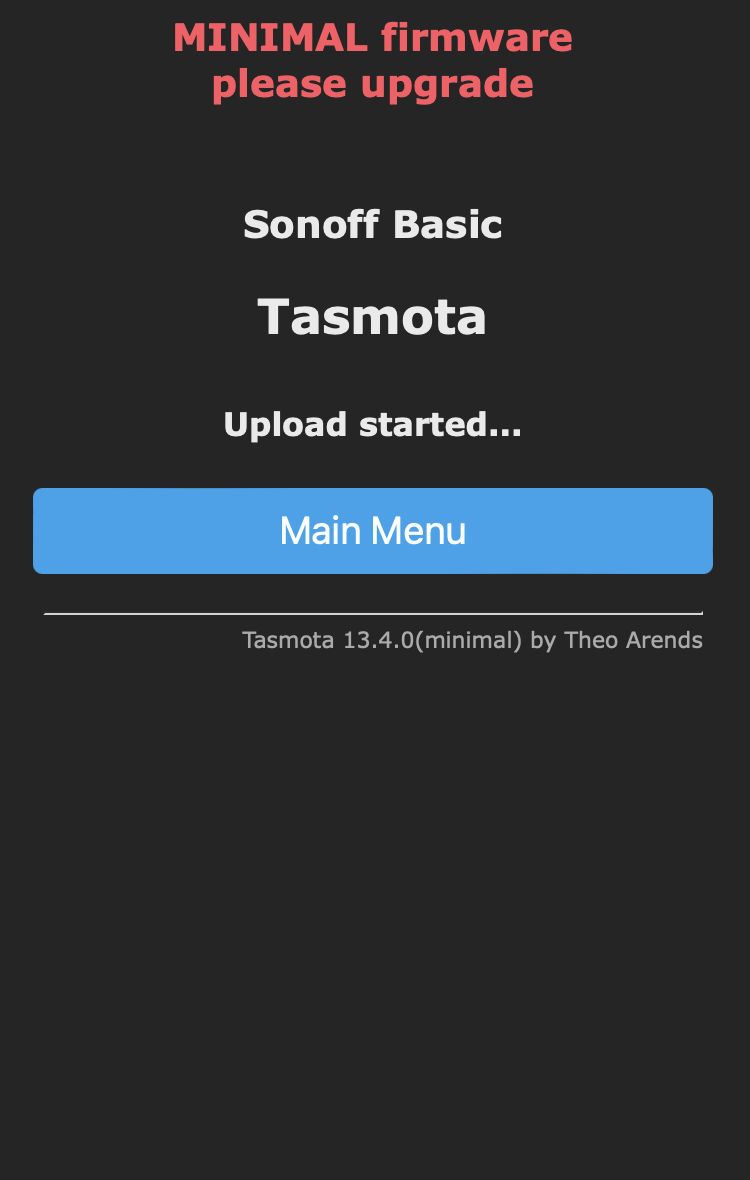
-
Wait until the upload is complete and the WattWächter restarts
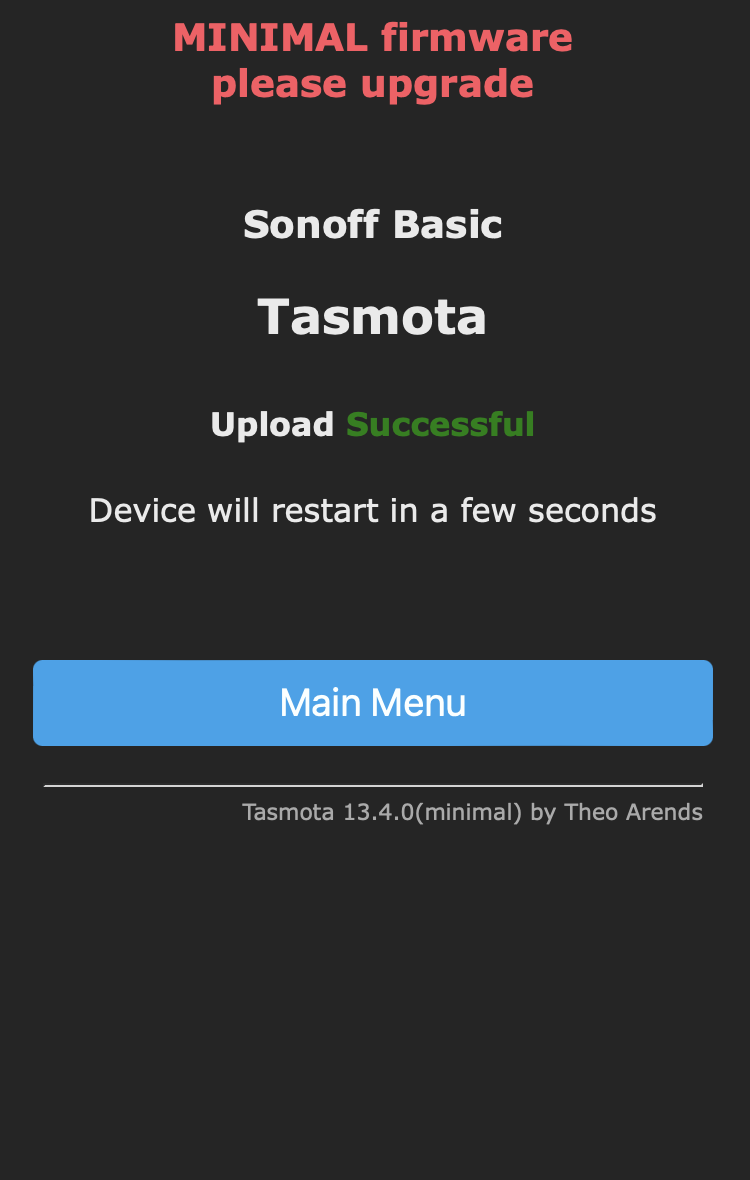
Step 2: Upload Full Firmware
- Open Firmware Upgrade again
- Select the file
tasmota.bin.gz -
Click Start upgrade
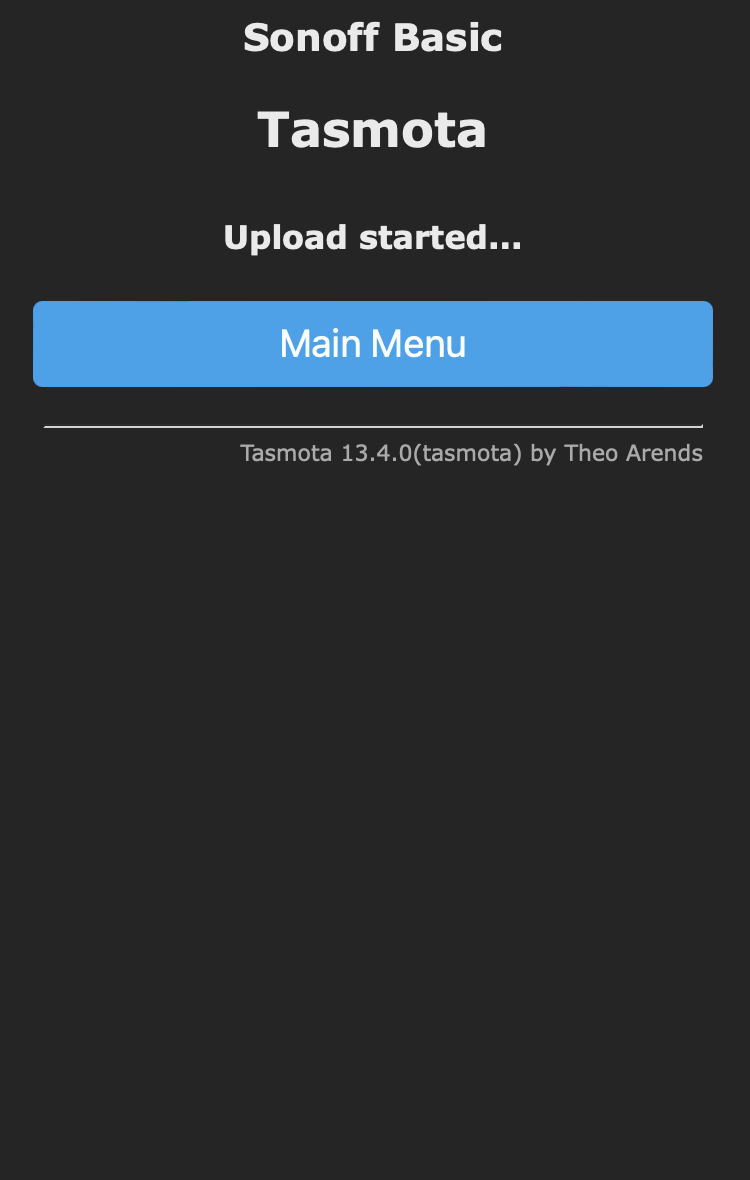
-
After a successful upload, the WattWächter boots with the new firmware