LED Status Indicator
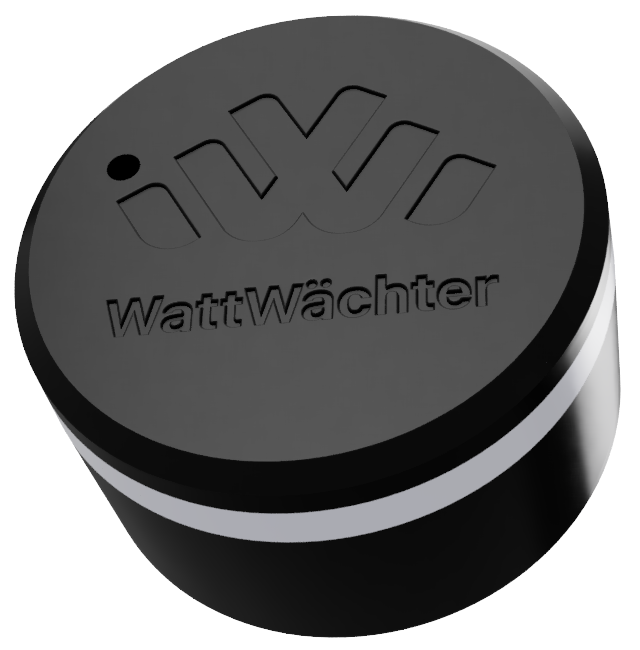
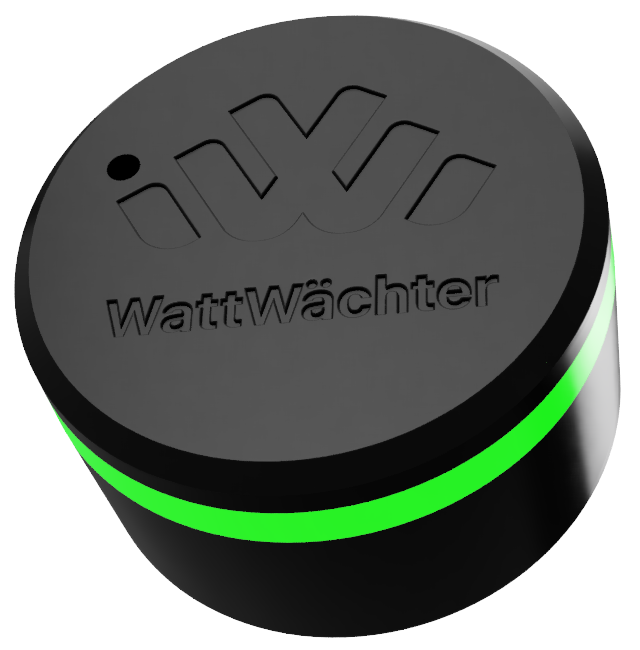
The RGB LED shows the current device status. When multiple states are active simultaneously, the one with the highest priority is displayed.
| Status | Color | Mode | Meaning |
|---|---|---|---|
| Normal operation | Green | Solid | Everything OK |
| Warning | Yellow | Pulsing | WiFi or MQTT issue |
| Critical error | Red | Pulsing | E.g. meter not detected or OTA failed |
| Firmware update | Magenta | Solid | OTA update in progress |
| BLE pairing mode | Blue | Pulsing | Bluetooth waiting for connection |
| BLE connected | Blue | Solid | Bluetooth device connected |
| Factory reset | Red | Solid | Factory reset in progress |
Disable LED
The LED can be disabled via the API:
curl -X POST http://wattwaechter-XXXXXXXXXXXX.local/api/v1/settings \
  -H "Authorization: Bearer WRITE_TOKEN" \
  -H "Content-Type: application/json" \
  -d '{"ledEnable": false}'