Introduction
Welcome to the official documentation of the WattWächter Plus — your smart energy monitor for the electricity meter.
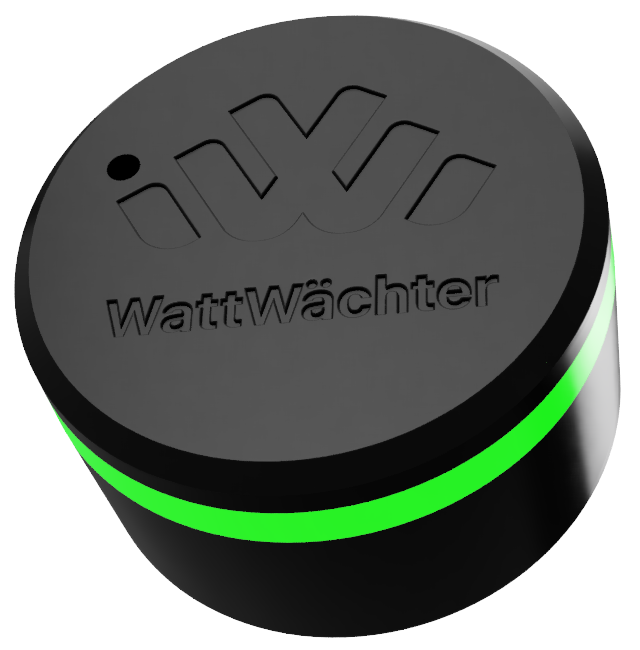
The WattWächter reads your smart meter via an IR reading head and delivers consumption data in real time — locally on your home network or through our cloud portal.
What can the WattWächter do?
- Real-time monitoring — Current power (W) and meter readings (kWh) directly from your smart meter
- History data — 15-minute resolution (30 days) and daily values (2 years)
- Local REST API — Full access to all data on your home network via
wattwaechter-XXXXXXXXXXXX.local - Cloud portal — Dashboard at login.wattwächter.de with remote access
- MQTT integration — Connect to Home Assistant, ioBroker, and other smart home systems
- OTA updates — Firmware updates automatically via the cloud
- RGB status LED — Device status at a glance
Quick Start
- Meter Preparation — Unlock your electricity meter (PIN from network operator)
- Initial Setup — Connect the device and set up WiFi via app
- Cloud Connection — Set up remote access via the cloud portal
- FAQ — Bluetooth issues, factory reset, connecting another phone
Documentation
| Section | Description |
|---|---|
| WattWächter | Hardware, LED status, MQTT, technical details |
| API Reference | REST API documentation (OpenAPI/Swagger) |
| OTA Updates | Firmware updates |
| Cloud Portal | Cloud dashboard and settings |